> For the complete documentation index, see [llms.txt](https://docs.afipsdk.com/llms.txt). Markdown versions of documentation pages are available by appending `.md` to page URLs; this page is available as [Markdown](https://docs.afipsdk.com/recursos/tutoriales-pagina-de-arca/habilitar-administrador-de-certificados-de-testing.md).
# Habilitar administrador de certificados de testing
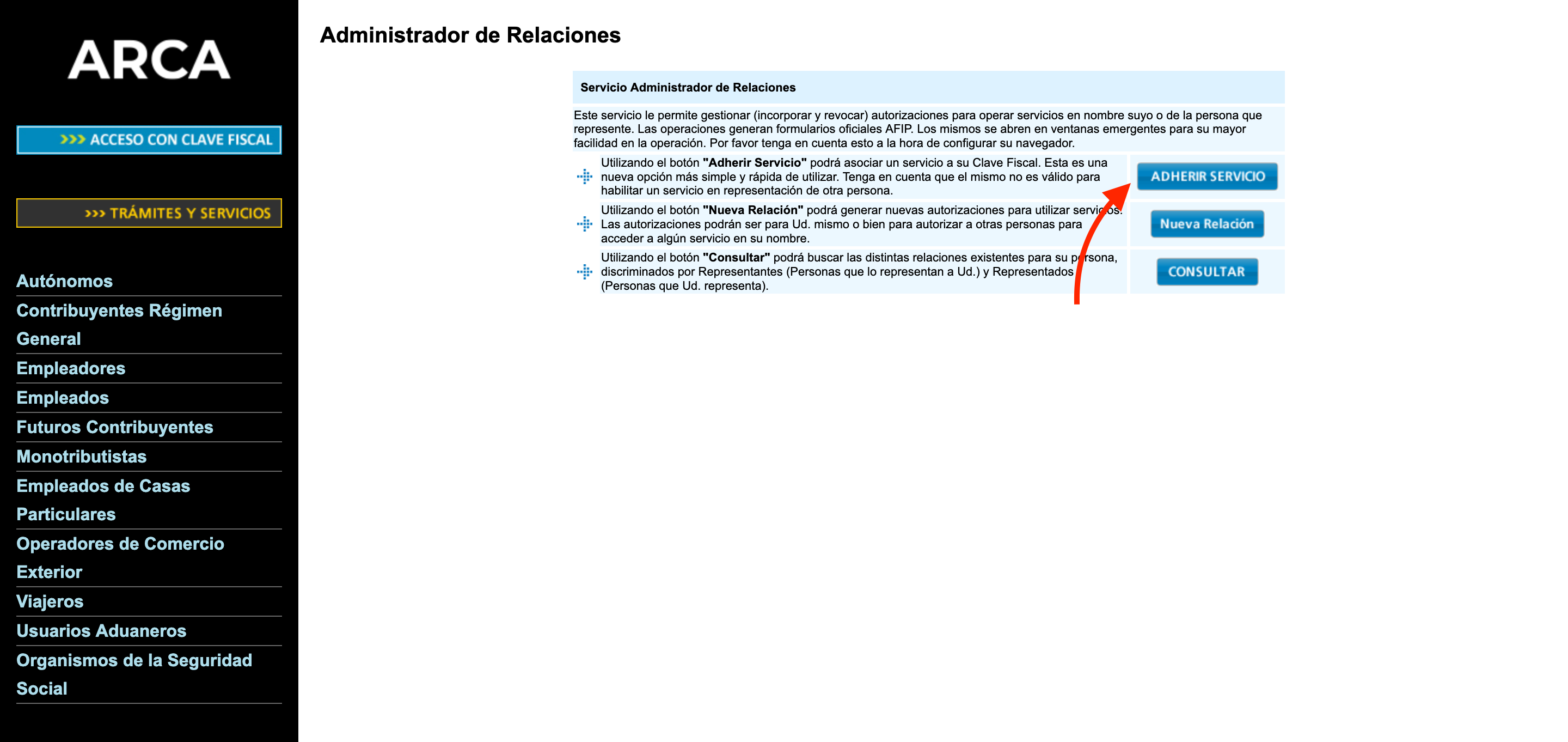
Para agregar la aplicación **«WSASS - Autogestión Certificados Homologación»** a nuestro escritorio de ARCA primero debemos ingresar en **«Administrador de Relaciones de Clave Fiscal»**
En caso de tener permiso para administrar las relaciones de otros contribuyentes deberemos elegir el que queremos administrar, caso contrario se elegirá el nuestro automáticamente. Siempre en modo testing recomendamos usar el usuario de uno mismo.
Luego elegimos «Adherir servicio»
Allí dentro elegimos «ARCA > Servicios interactivos > WSASS - Autogestión Certificados Homologación»
Le damos a confirmar y ya tendremos acceso a la aplicación desde nuestro escritorio de ARCA